
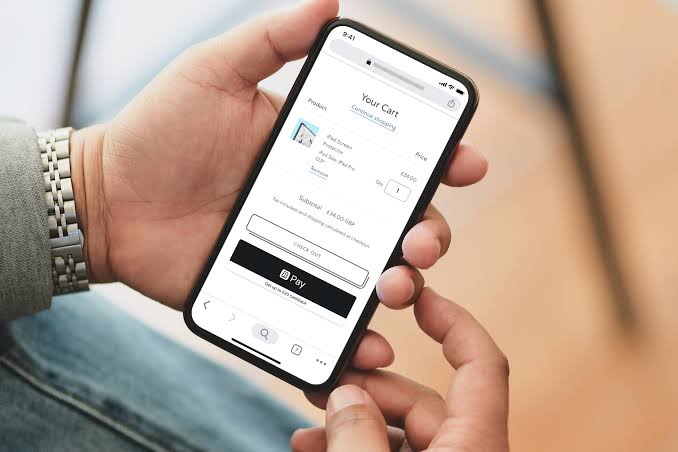
Need a Revolut for Business account? Click here for a special introductory offer.
You should not usually choose between Shopify Payments and Revolut for Business, instead use them both. Here is a quick comparison.
Platform Integration & Fees
Shop Pay / Shopify Payments: Fully native to Shopify. Using it waives Shopify’s additional third-party transaction fees. Standard Irish card processing rates start around 1.5% + €0.25.
Revolut Business: Operates as a third-party gateway plugin on Shopify. Standard Shopify third-party transaction fees may apply to your plan unless bypassed, and Revolut card processing fees typically start around 1% to 1.2% depending on your plan tier and card types.
Checkout Experience & Conversion
Shop Pay: Offers lightning-fast, one-tap accelerated checkout for millions of global users who save their shipping and card details via the Shop ecosystem, drastically cutting cart abandonment.
Revolut Business: Allows customers to check out using standard major cards or Revolut Pay, letting millions of European Revolut users pay securely in one click directly from their app balance.
Payouts and Banking
Shop Pay / Shopify Payments: Pays out directly to your Irish business bank account (IBAN) in 1 to 3 business days.
Revolut Business: Settles funds directly into your Revolut Business account, making it seamless if you manage multi-currency balances (35+ currencies) or prefer holding business revenue within Revolut.
Installation Guide
To integrate Revolut for Business with Shopify, follow these steps:
Step 1 | Open Revolut for Business
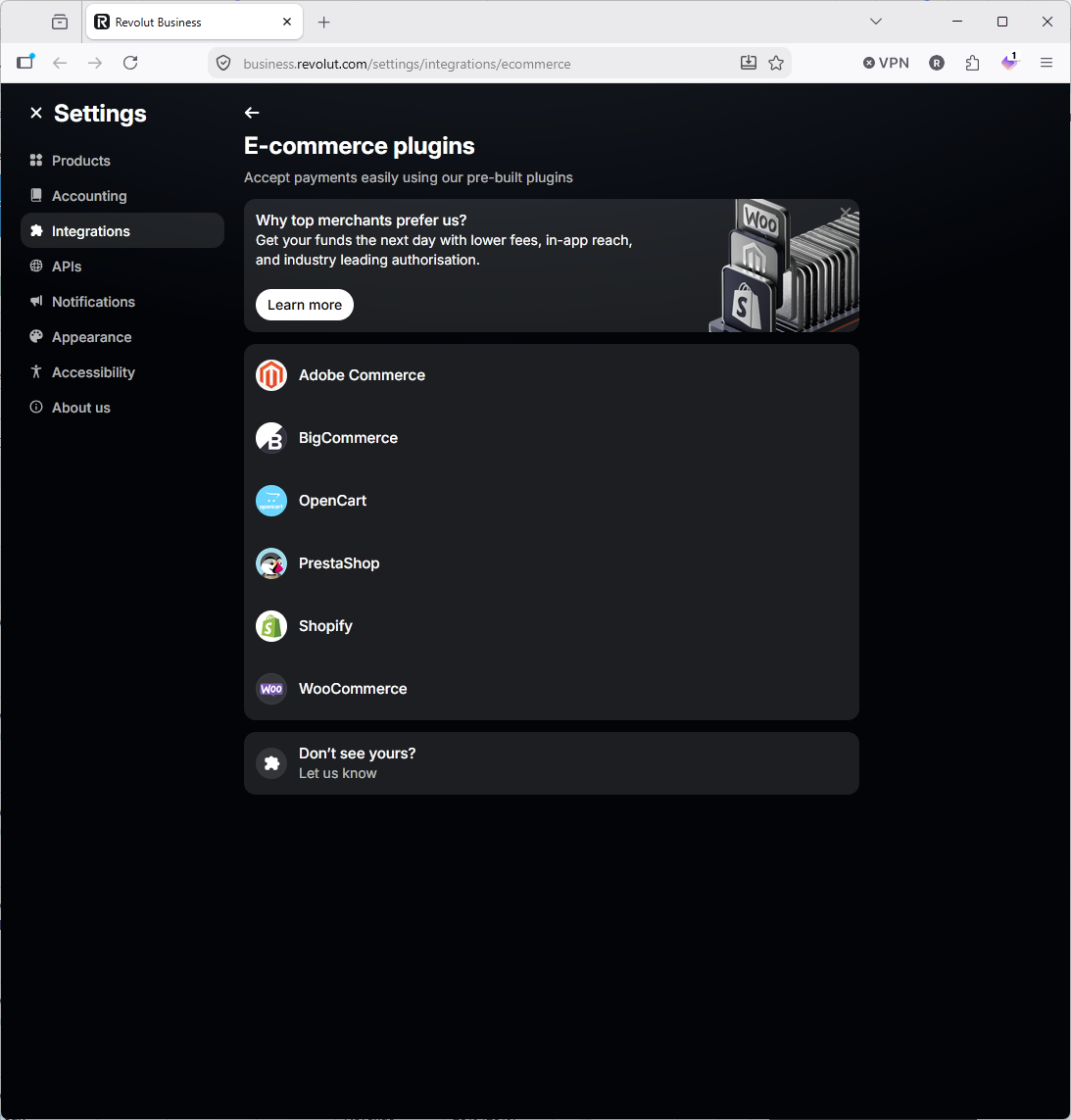
- Navigate to Settings -> Integrations -> E-Commerce Plugins
- Click on the Shopify logo
Step 2 | Click Connect
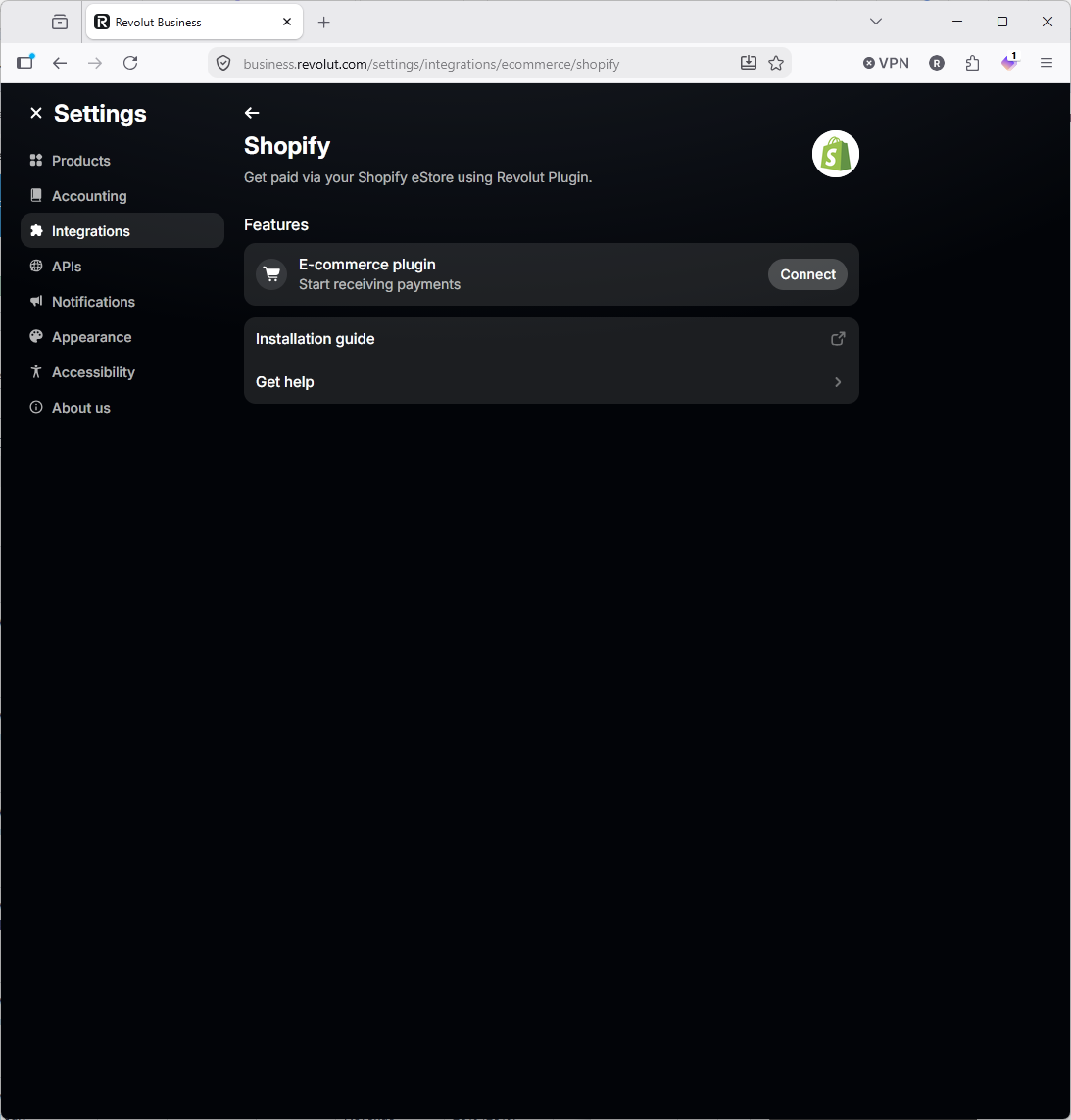
- Click Connect
Step 3 | Review the Help File
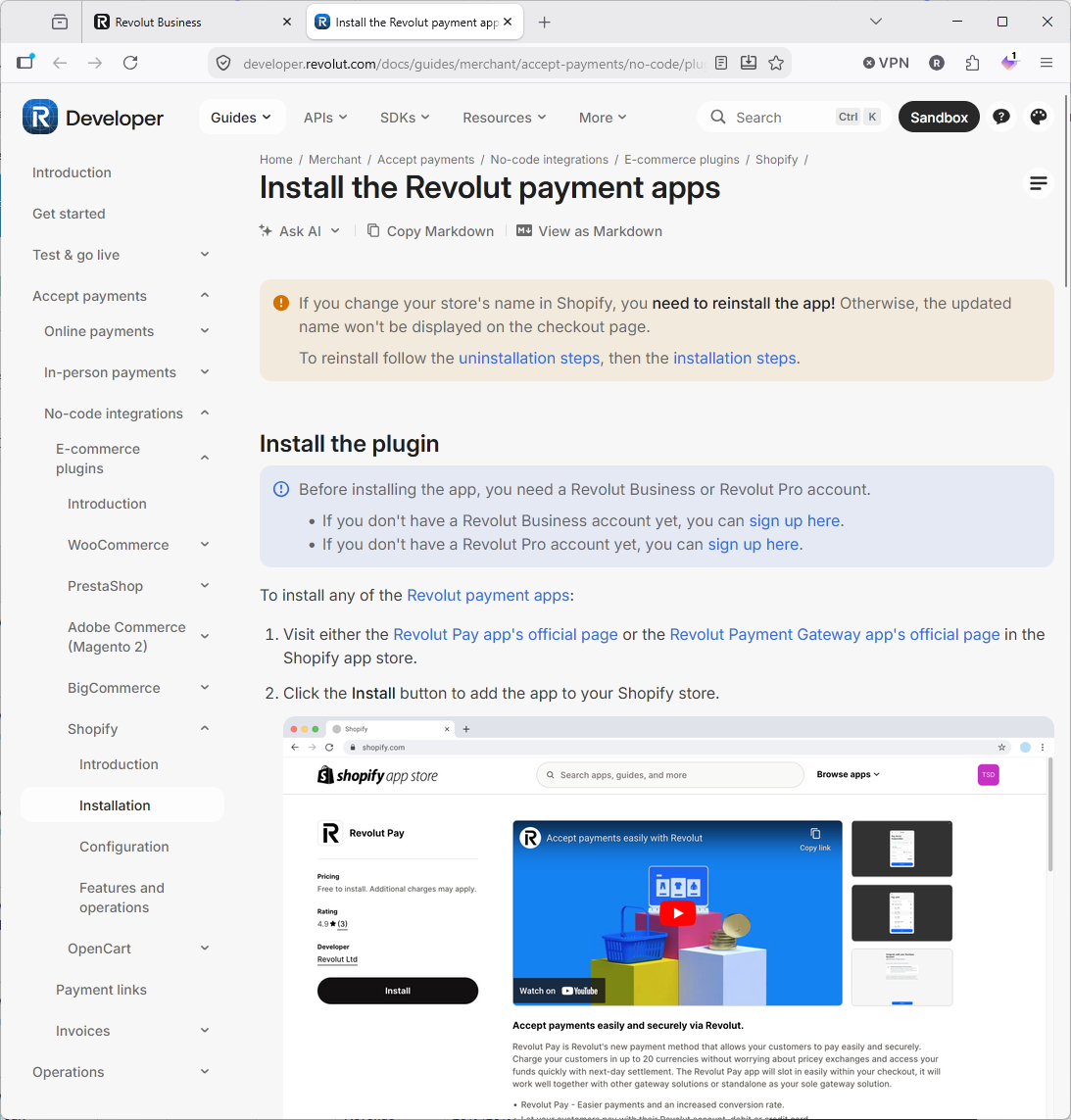
- We recommend you click on Revolut Payment Gateway app's official page in the Shopify app store.
Step 4 | Click Install
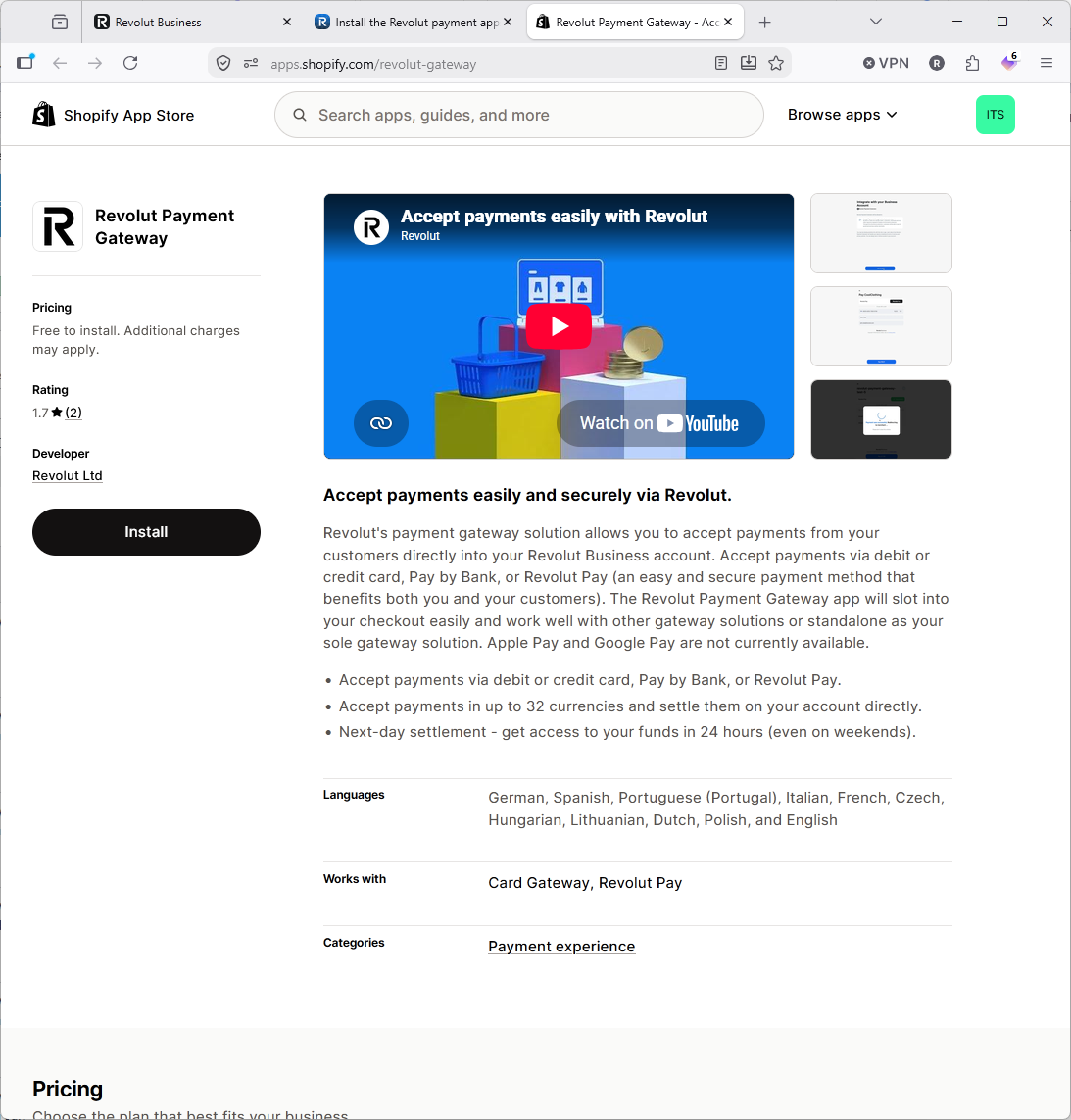
- Click Install to start to install the app on your Shopify store.
Step 5 | Click Install Again
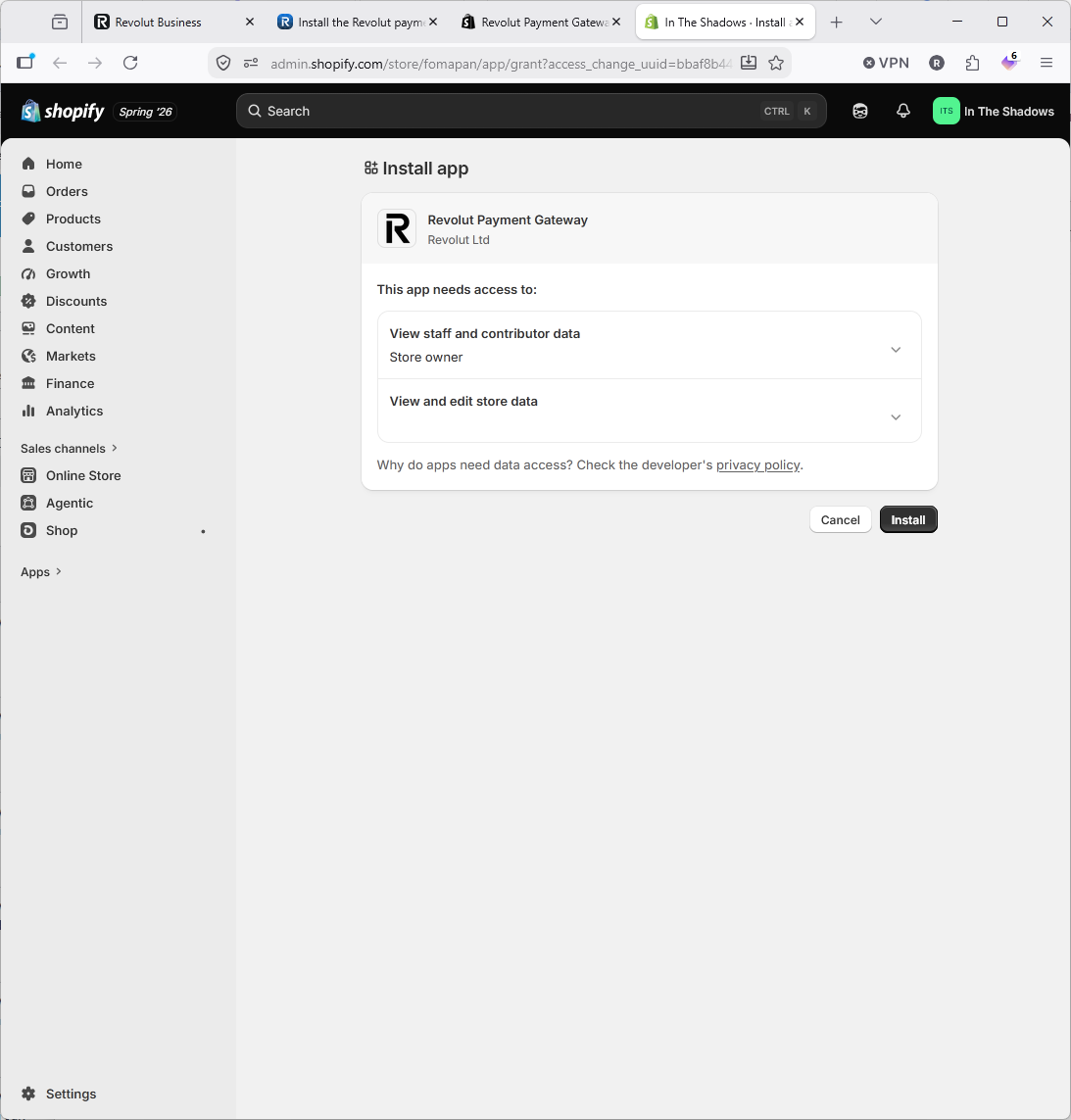
- Click Install to accept the access required and install the app on your Shopify store.
Step 6 | Select your Revolut Account Type
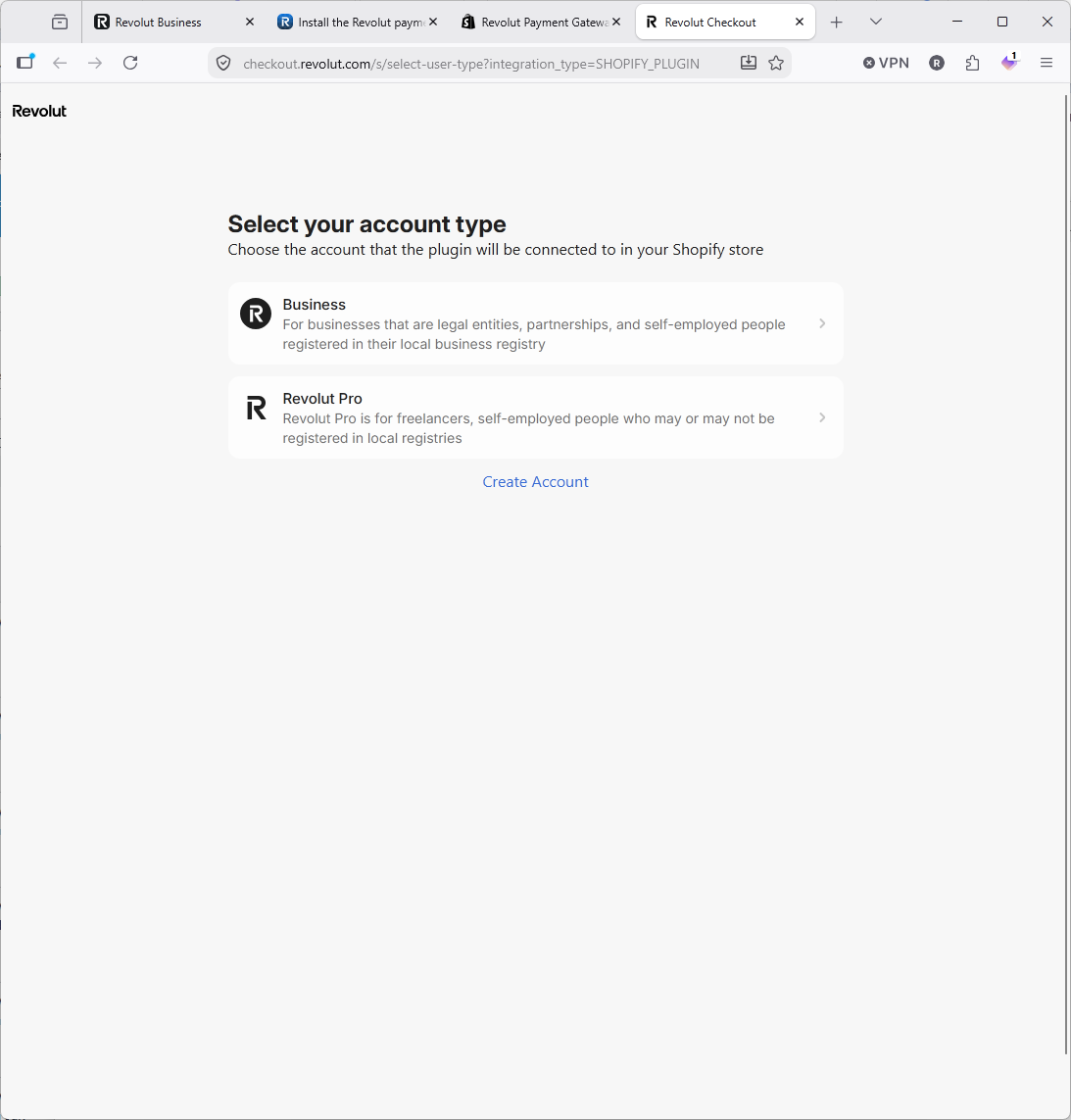
- We don't have a Revolut Pro account so we can't help, but it is likely the same procedure.
- Click "Business" to continue if you have a business account with Revolut.
Step 7 | Authorise Shopify to access your Revolut for Business Account.
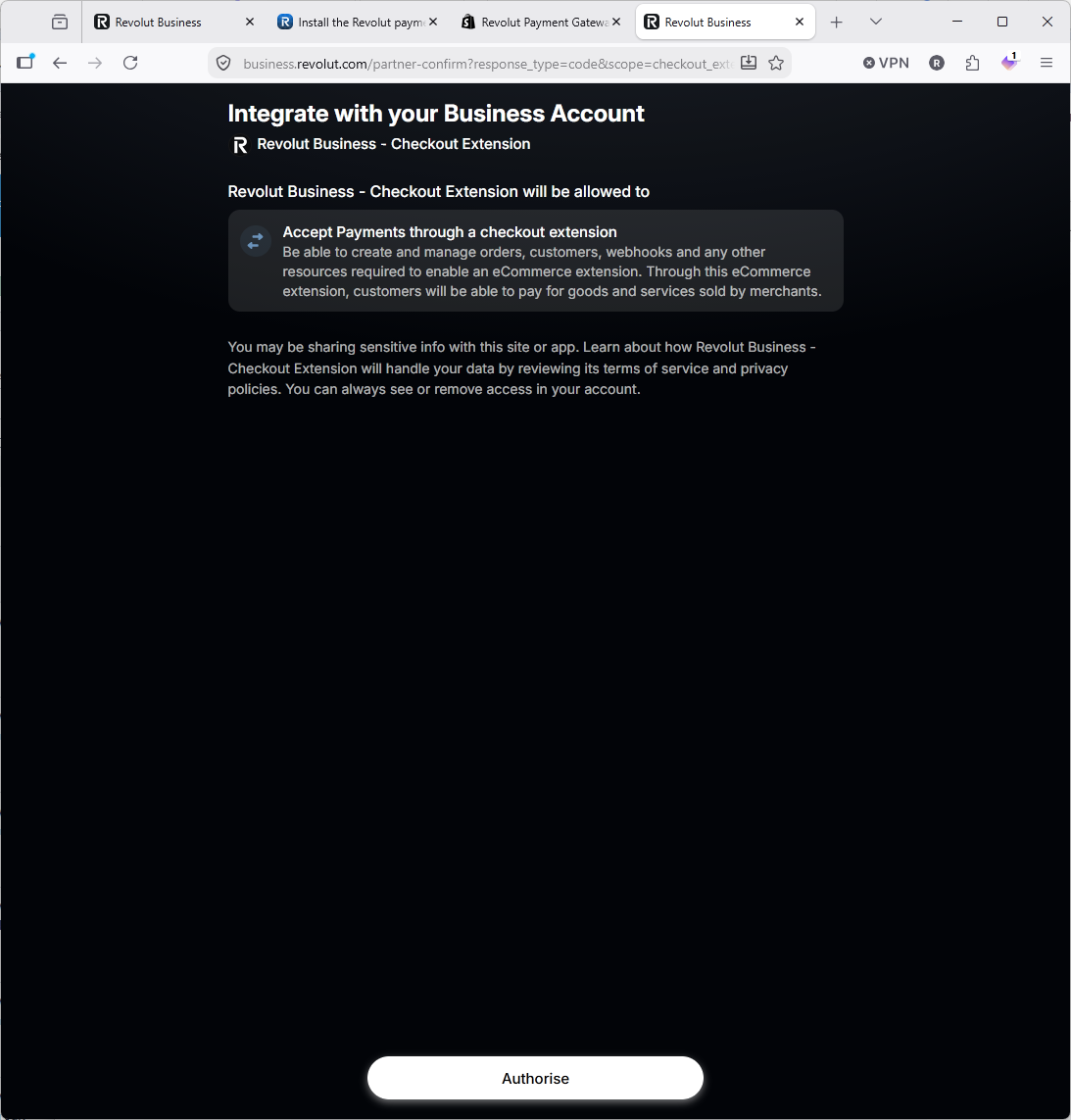
- Click "Authorise" to continue.
Step 8 | Activate Revolut Payment Gateway
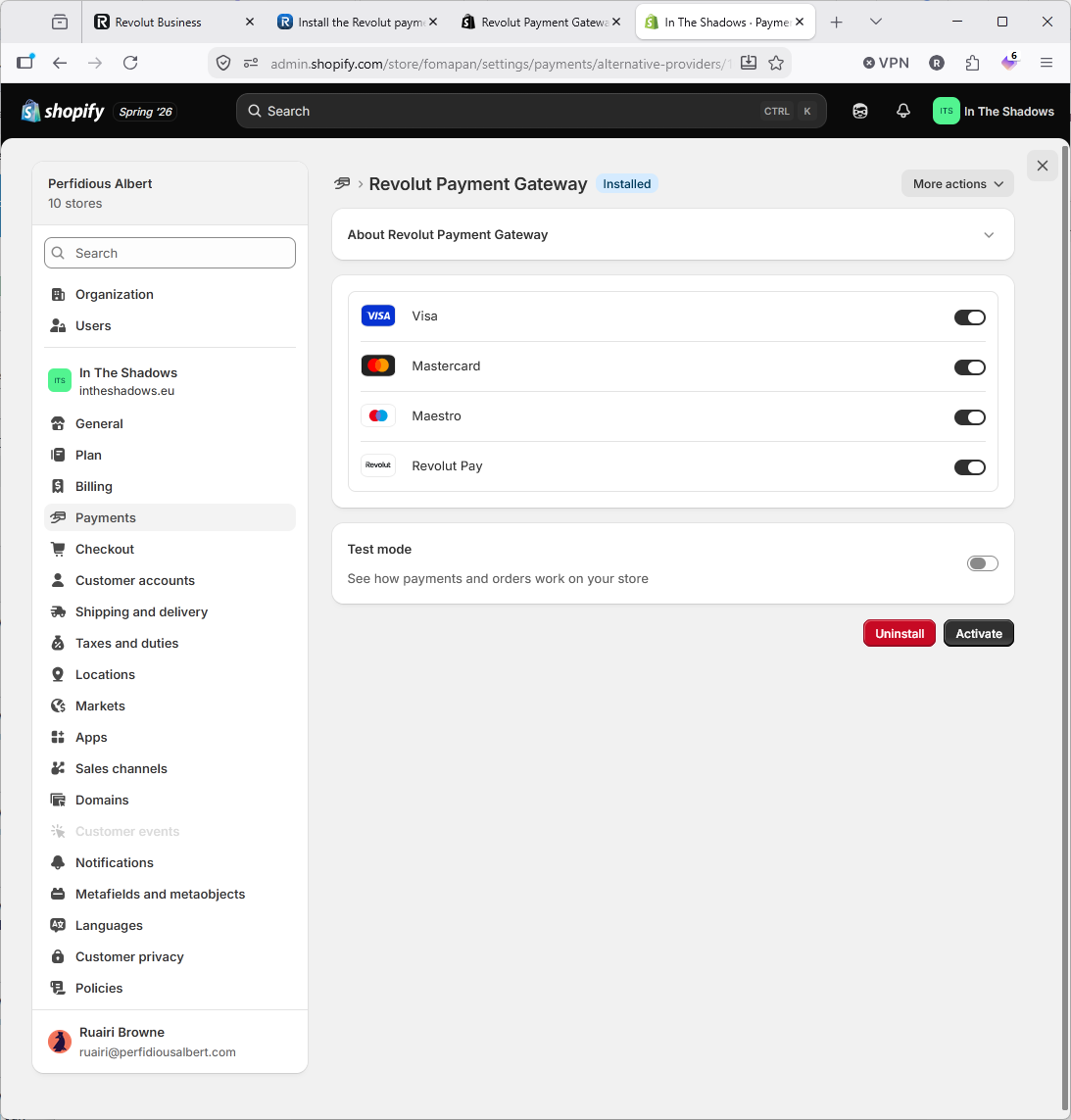
- If you just want Revolut Pay then turn off the card options such as Via and MasterCard.
- Click "Activate" to enable the Revolut Payment Gateway.
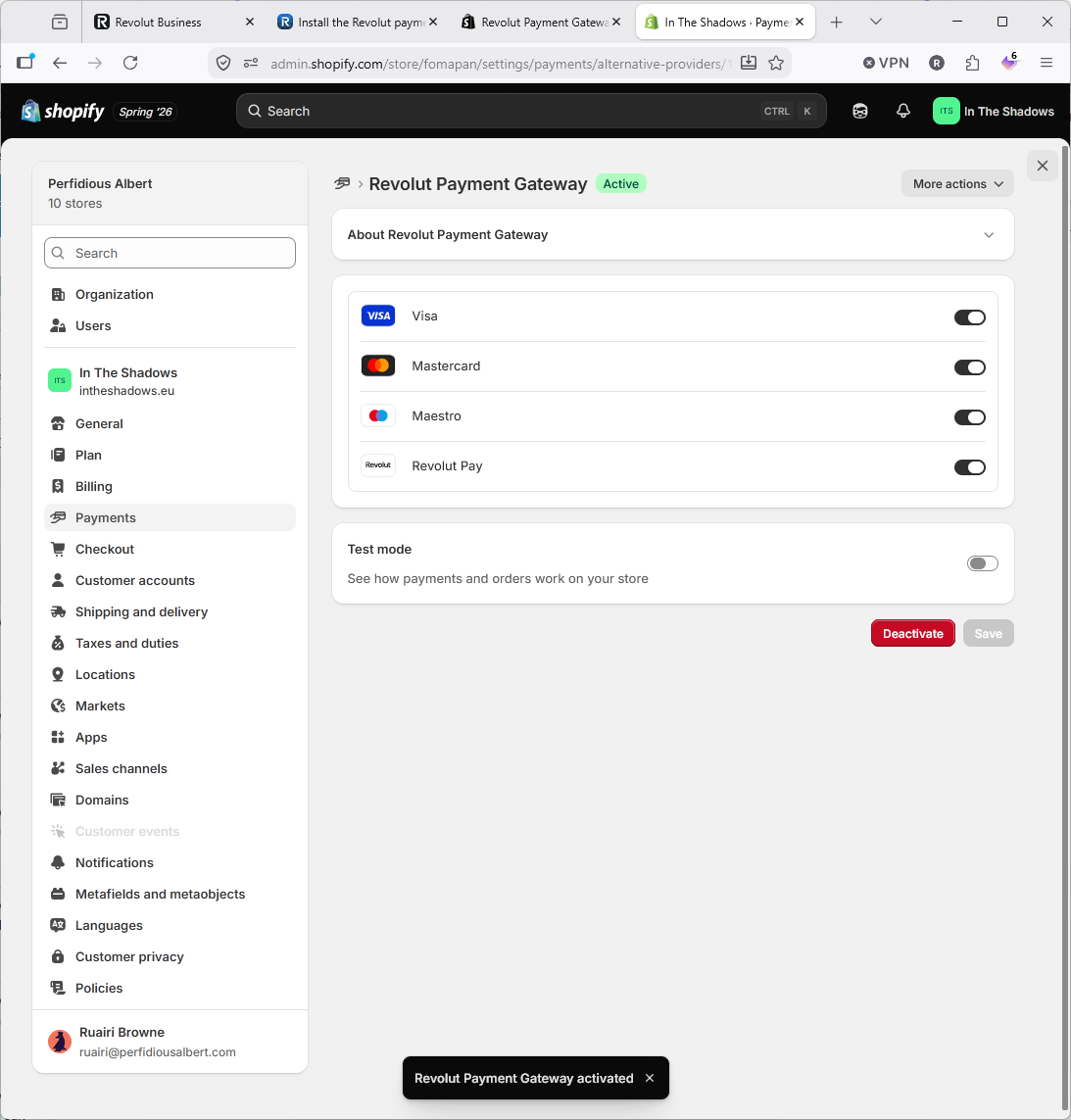
Step 9 | Confirm It Looks OK

- If everything is active and looks good then it probably is.
- If you want you can turn on test mode and do some test payments.
Step 10 | Check Out the Checkout!
- Check out the checkout and make sure it looks good and works as expected.
- It our case here we only have Revolut enabled (not Shopify Payments) but in your case you may see other options such as Shopify payments and PayPal.